

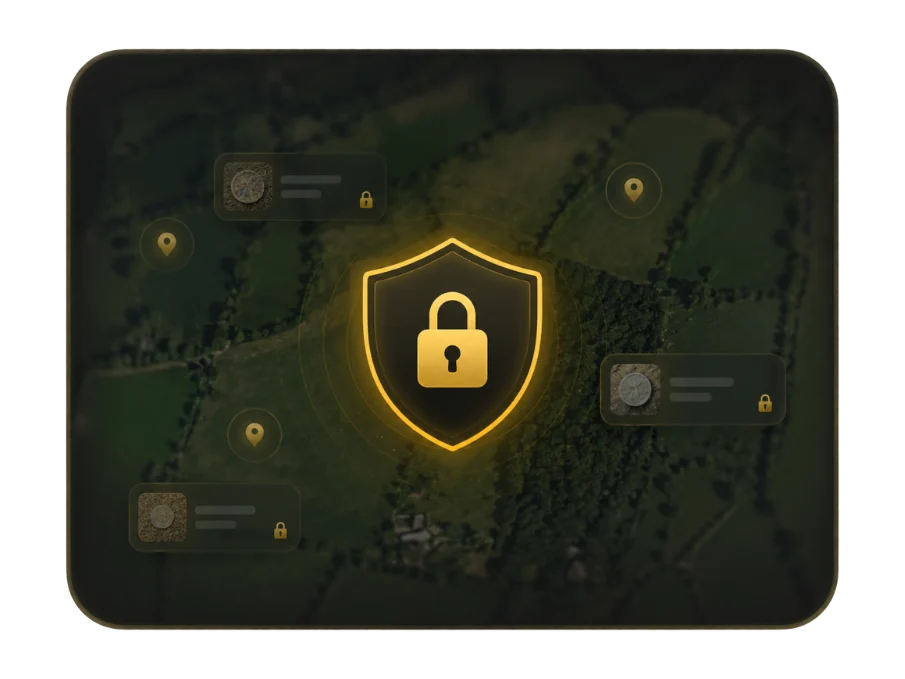
Your records start on your device
DetectBuddy does not require an account. The finds, photos, videos, notes, collections and route recordings you create are stored locally on your device, rather than uploaded to a DetectBuddy cloud database.
There are no advertising or cross-app tracking IDs. The app does not provide iCloud Sync for your records. Normal Apple device backup behaviour depends on your iOS and iCloud settings.
Protect access with App Lock
App Lock helps shield the app’s private detecting information from someone who can access your device. Open the app’s settings and review the available App Lock options.
Keep your App Lock key somewhere safe. Where available, enable Face ID or Touch ID for convenient access. Your PIN, App Lock key and biometric data are not sent to DetectBuddy servers.
Understand maps and location
Map features use the relevant services to display imagery. When you enable LiDAR, your device requests imagery directly from the Environment Agency for England or USGS for supported US areas. The provider may receive ordinary connection information and the area of the map you are viewing.
If the map is centred on your position, the requested map area may indicate your approximate location. Your saved finds, notes and recorded routes are not uploaded to those map providers. LiDAR coverage is checked on the device using bundled coverage data.
Share intentionally
- Choose what to share. A find, route, card, screenshot or export may include the details you added.
- Review the content. Check photographs, notes and location information before sending them.
- Choose the destination. Only share through a method and with a recipient you are comfortable with.
- Keep a backup you control. Explore the app’s import and export options for the records you want to preserve.
This guide summarises the app’s approach. Read the Privacy Policy for the complete details.