

Before you head out
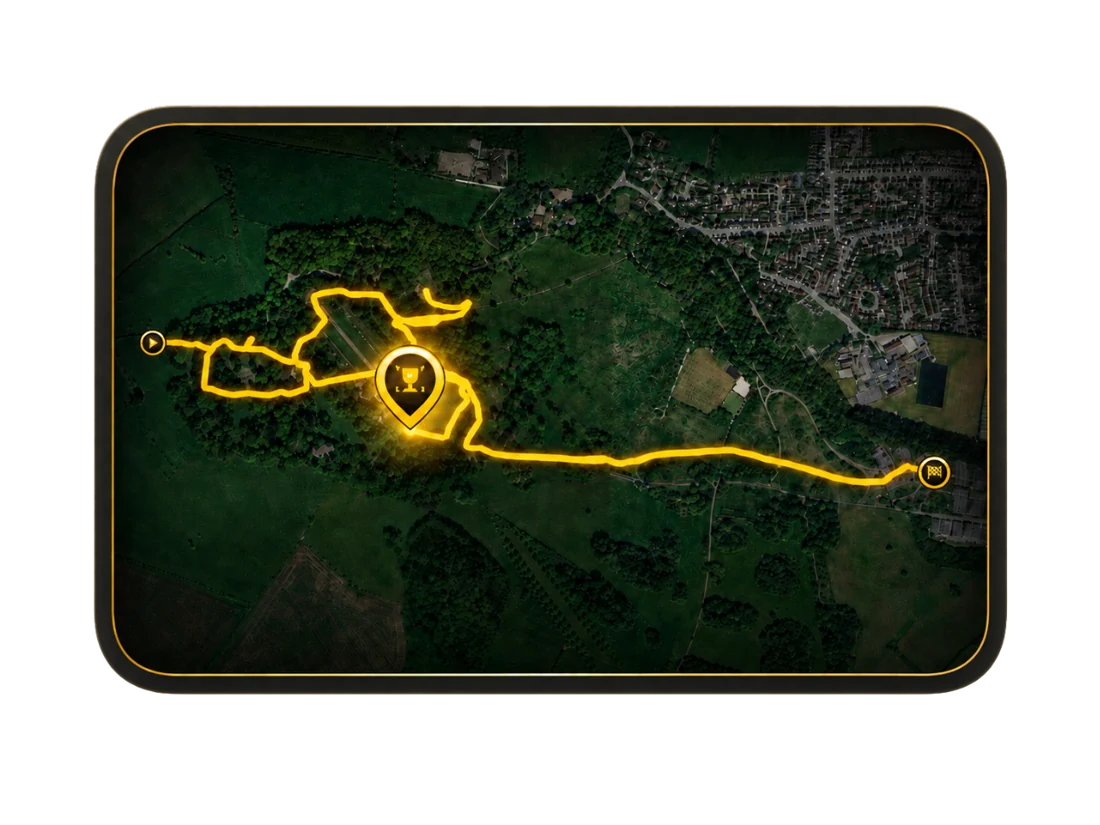
A route gives your discoveries context. It keeps a record of the field walk, alongside the finds, photos and notes that make that day worth remembering.
Open the Route Hub before you begin. Planning helps you explore an area first; Recording keeps the route as you walk it. LiDAR is available in both, where coverage and access allow.
Record the day
- Start Recording from the Route Hub. Allow the location access needed for the recording features you choose.
- Let the countdown finish. Check that the recording has started before you set off.
- Capture discoveries along the way. Add finds, photos and notes while the details are still fresh.
- Use the map to keep your context. Where available, switch on LiDAR and adjust its opacity to explore terrain detail alongside your route.
- Finish the recording when your walk is over. Return to your route history to revisit it.
Return to the story
Open a saved route to see the journey and connected discoveries. Replay helps you revisit the route and finds in the order they happened.
DetectBuddy also supports GPX route import and export for working with route data outside the app where supported. Review an export before sharing if it contains a location you want to keep private.
Active route recording can continue in the background or while your device is locked. Stop recording in the app when you have finished. You can manage location permissions in iOS Settings.